

Price:
Contact for price
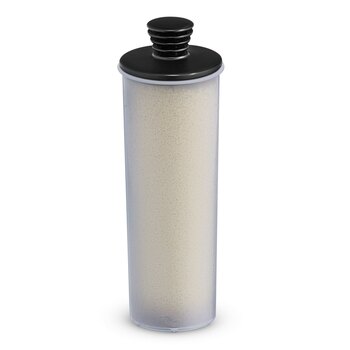
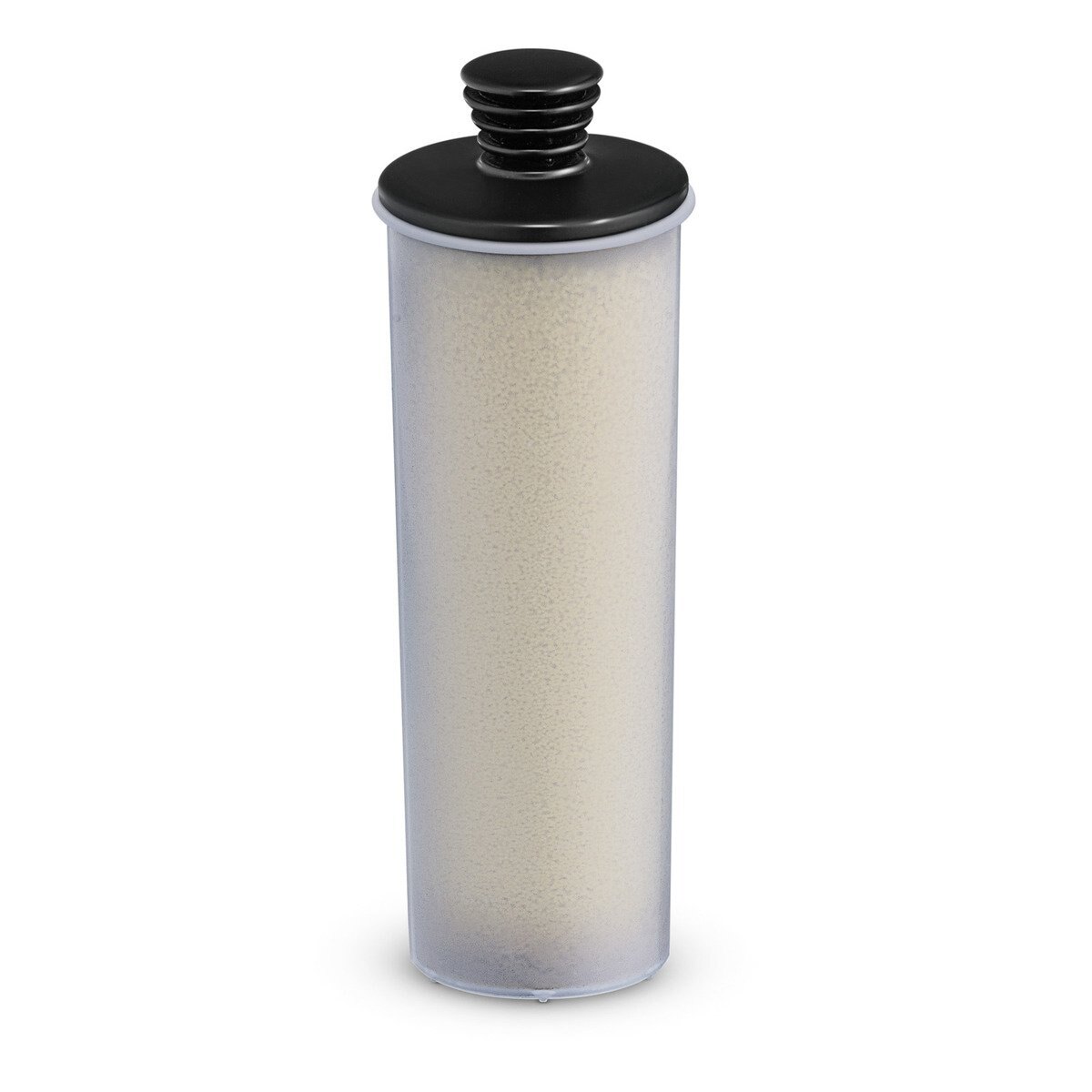
Karcher Descaling cartridge
-
ID # 16358564
Available to order
Overview
Contact Information
Location
|
Descaling cartridge
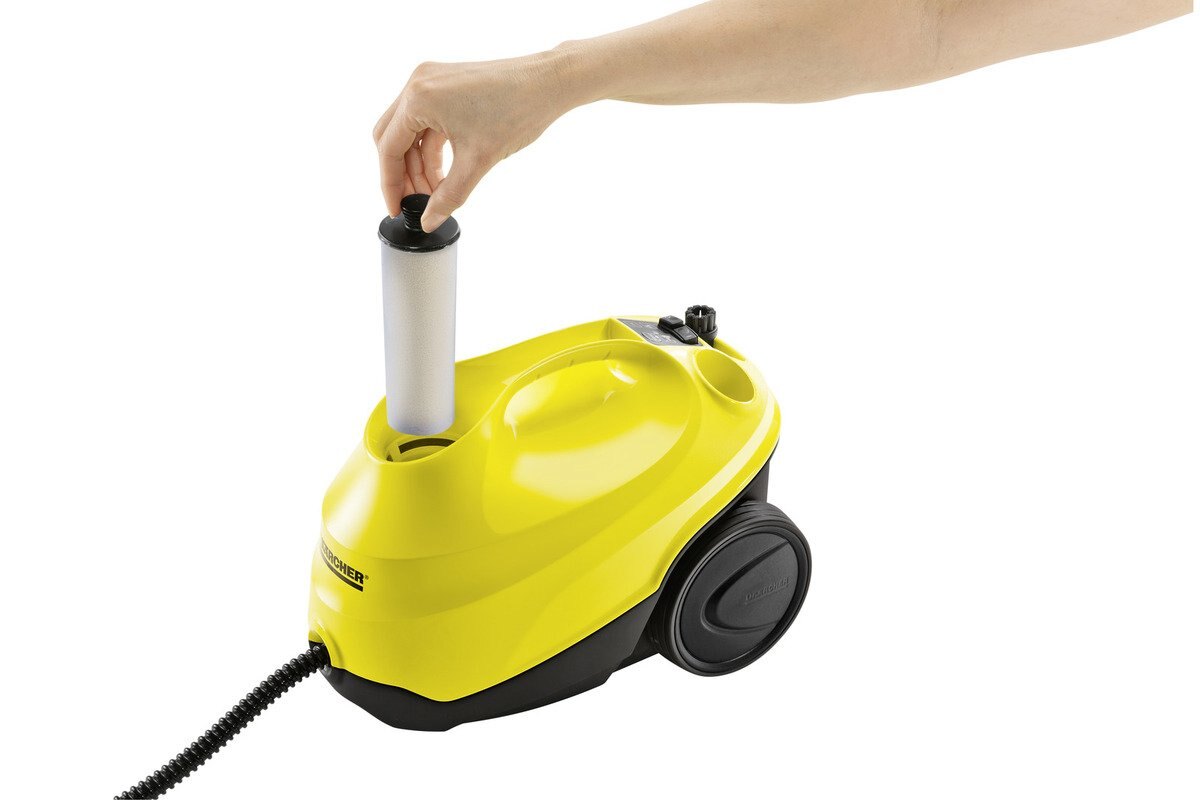
Quick and efficient descaling of the Kärcher SC 3 EasyFix steam cleaner. All you need to do is insert the cartridge, and you're done. |
| Simple and effective: when the descaling cartridge symbol lights up red on the display of your SC 3 device, simply remove the current descaling cartridge and insert the new one. Then press the reset button – and you're good to continue steam cleaning as before. |
|
Features and benefits |
|
Automatic indicator lamp for cartridge replacement
Simple and quick cartridge replacement
|
|
Compatible machines |
|
|
Application areas |
|
Documents
-

2.863-018.0_PI_en_CA.pdf